tsci dev
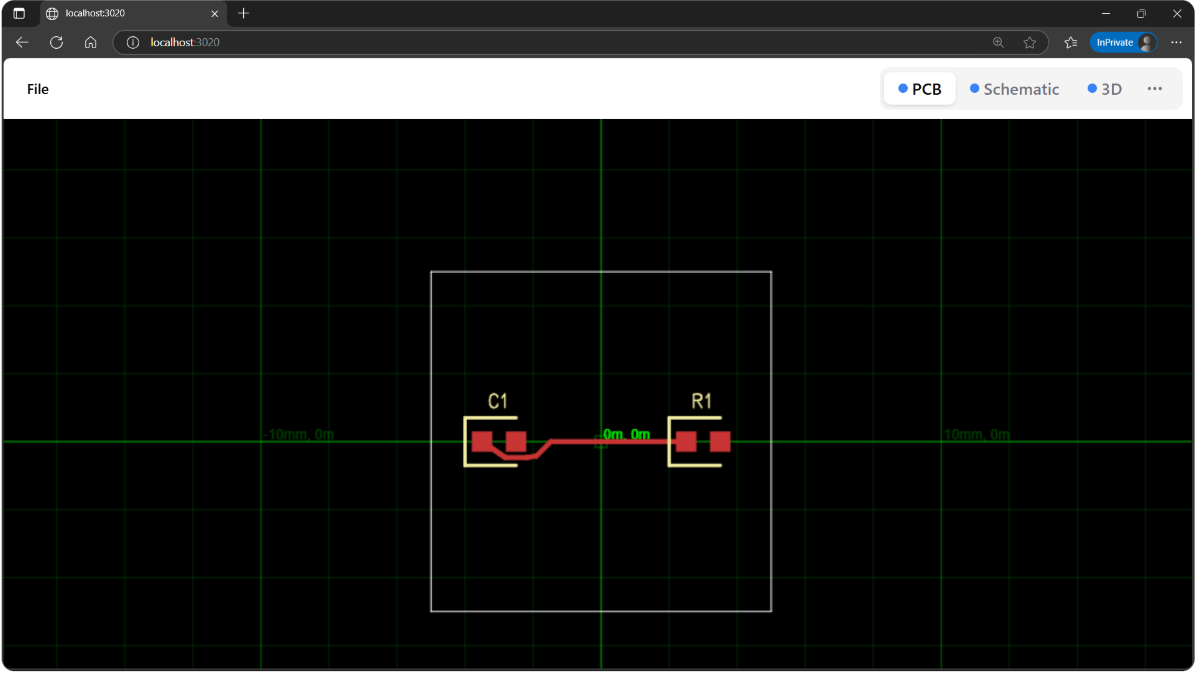
tsci dev runs a web server that lets you see a preview of your electronics
in your web browser.
Usage
tsci dev [file] [options]
Arguments
file(optional) – path to a package file or directory
Options
-p, --port <number>– port to run the server on (default:3020)--kicad-pcm– enable KiCad PCM proxy server at/pcm/*
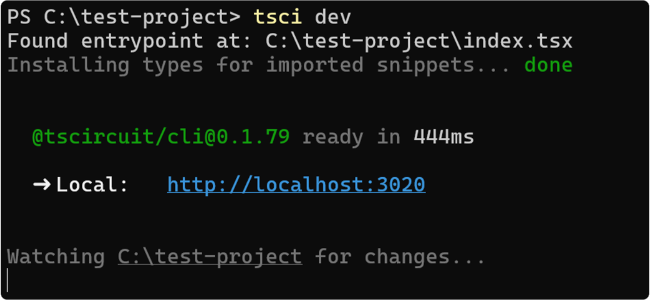
After you run tsci dev you should see a preview of your entrypoint file in
your web browser on http://localhost:3020
KiCad PCM Server
The --kicad-pcm flag starts a KiCad Plugin and Content Manager (PCM) server in
the background alongside the development server. This allows you to install your
tscircuit components directly into KiCad as a library.
tsci dev --kicad-pcm
Example output:
➜  library tsci dev --kicad-pcm
  @tscircuit/cli@0.1.851 ready in 1067ms

  ➜ Local:   http://localhost:3023/#file=lib%2Findex.ts

Watching "my-project" for changes...

  ➜ Auto-updating KiCad PCM Server: http://localhost:3023/pcm/repository.json
Adding the PCM Repository to KiCad
To use your tscircuit components in KiCad:
- Open KiCad and go to Plugin and Content Manager
- Click Manage Repositories
- Click the Add button (plus icon)
- Enter the PCM URL shown in your terminal (e.g.,
http://localhost:3023/pcm/repository.json) - Click OK to save
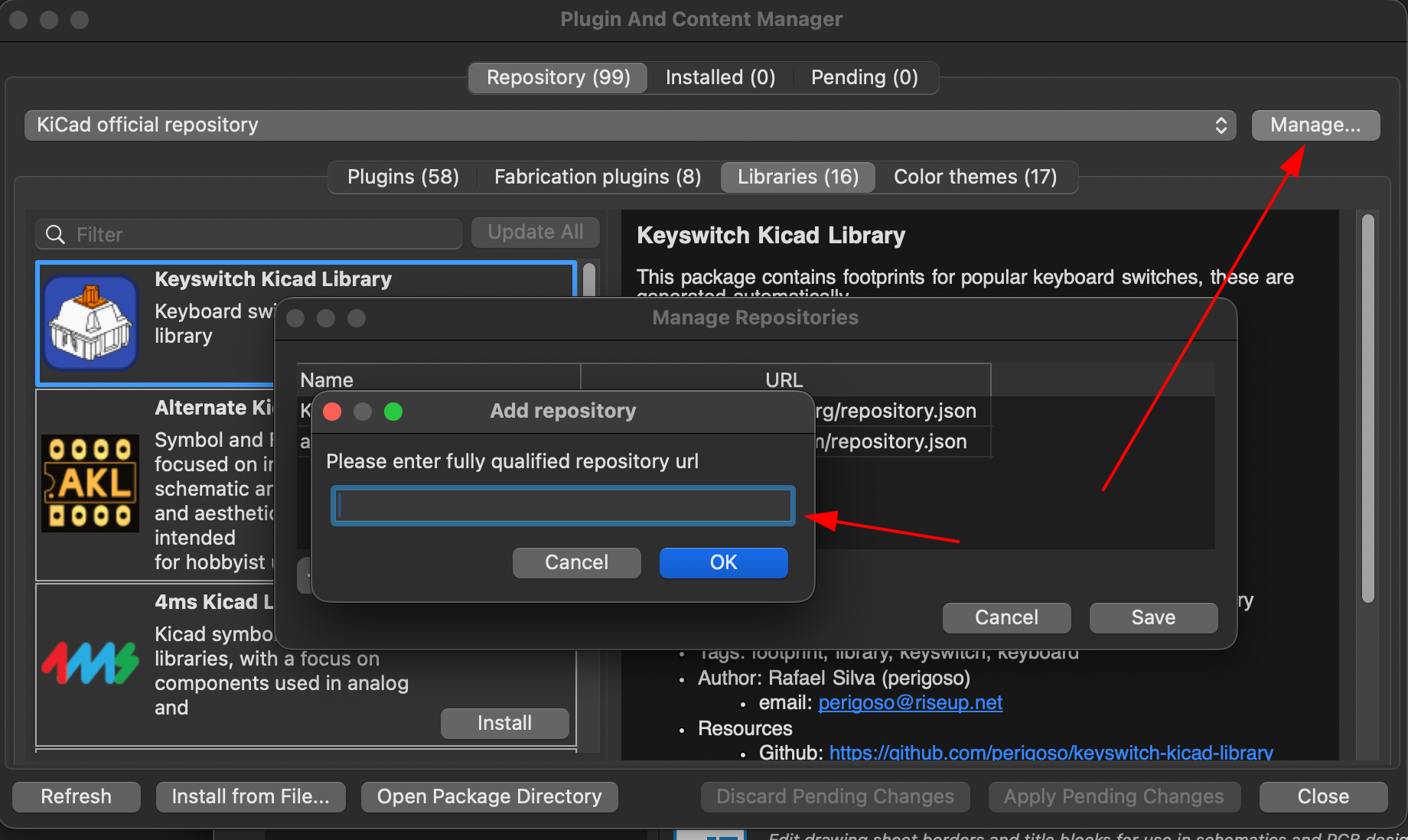
Once added, your tscircuit library will appear in KiCad's Plugin and Content Manager. The library automatically updates as you make changes to your tscircuit project, so you can iterate on your designs without needing to re-export.