tsci push
tscircuit code, like React code, is distributed as a "package". tsci push uploads your package to the tscircuit registry to enable sharing with your team.
After publishing, you can use the tsci add command to install your package as part of a larger circuit.
Usage
tsci push [options]
Options
--compress– Compresses the payload before upload. This is useful for large projects and slower connections because it reduces upload size.
After running tsci push you can see your package on your tscircuit registry page. Packages default to private visibility, but you can change this from your registry page to enable sharing your package with the broader ecosystem.
tsci push
Detected entrypoint: "index.tsx"
Updated tscircuit.config.json with detected entrypoint
Package author does not match the logged in GitHub username
✔ Package "@tsci/dhvll.testProject" does not exist. Create it? … yes
✔ Package Visibility: › Public
✔ Snippet Type: › Board
Package created
↑ index.tsx
↑ package-lock.json
↑ package.json
↑ tscircuit.config.json
↑ tsconfig.json
"@tsci/dhvll.testProject@1.0.0" published!
https://tscircuit.com/dhvll/testProject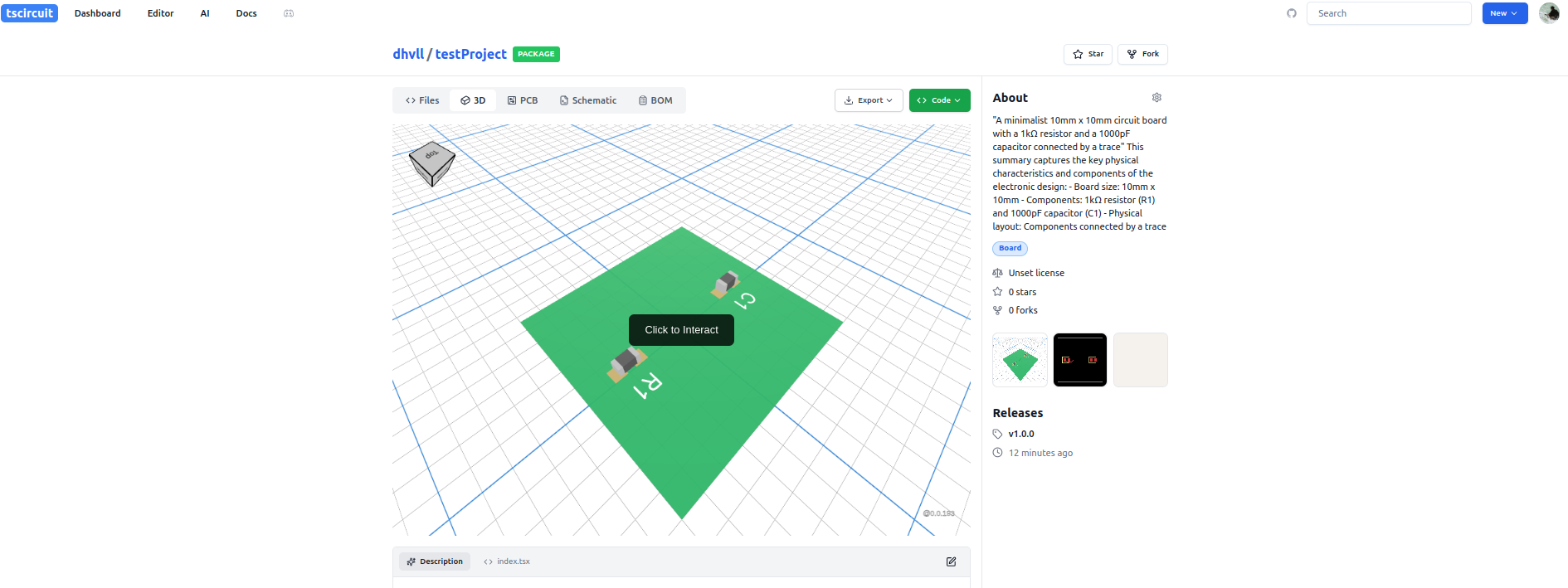
Browser view of the package in the tscircuit Registry