## Overview
Fabrication files are files that can be uploaded to a fabricator or turn-key
manufacturer such as [JLCPCB](https://jlcpcb.com) or [PCBWay](https://pcbway.com) to get an entire circuit board made. tscircuit includes three
main types of files inside our fabrication files `zip`:
- **Gerbers** These represent each copper layer of the PCB. We also include
drilling holes and board cutouts
- **Bill Of Materials CSV** - Contains every component its manufacturer part number (MPN) and supplier part numbers for each supplier
- **Pick'n'Place CSV** - Contains every component and its position on the board
## How to get fabrication files
### Web
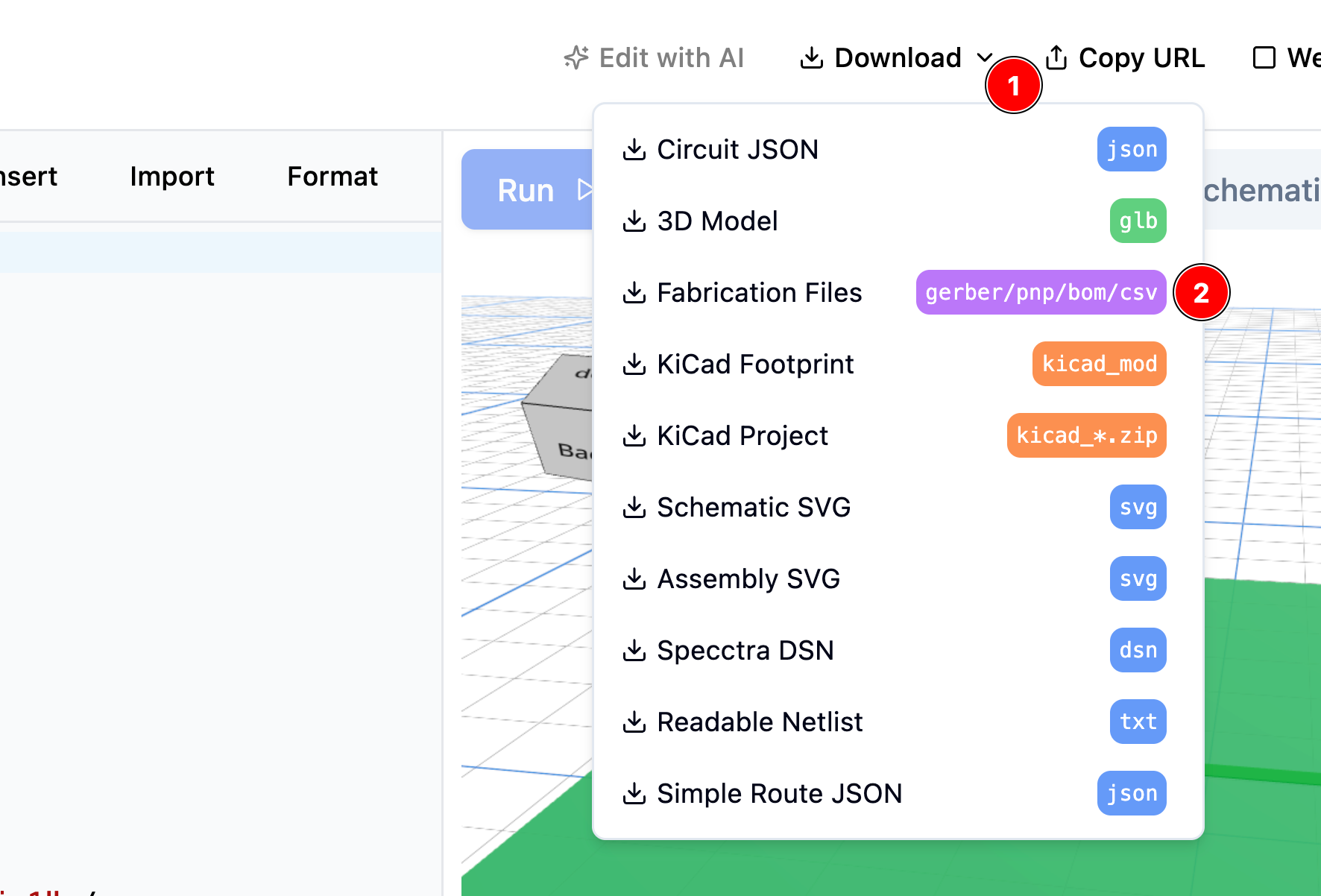
On the web, you can just hit "Download" or "Export" on any circuit, then hit "Fabrication Files"
Downloading fabrication files from the online editor
### CLI
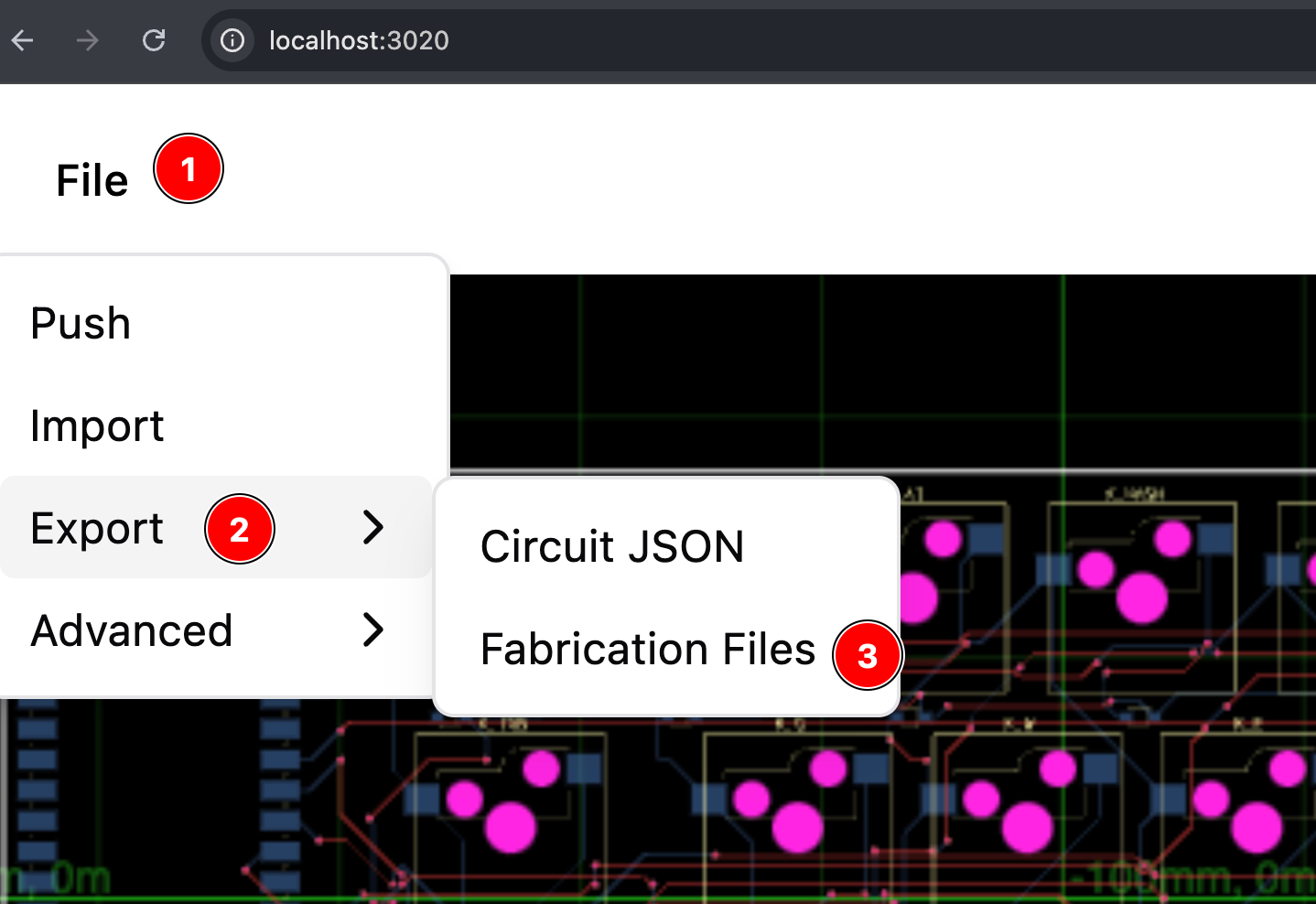
The easiest way to get fabrication files is to go to `File > Export > Fabrication Files`
in the web browser after doing `tsci dev`
Downloading fabrication files from the online editor
## What's inside the zip file?
The zip file contains three types of files:
- `gerbers` Describes the copper layers of your PCB
- `bill-of-materials.csv` This is a csv file with the components in the circuit and their
quantity.
- `pick-n-place.csv` This is a csv file with the components in the circuit and their
position on the board.
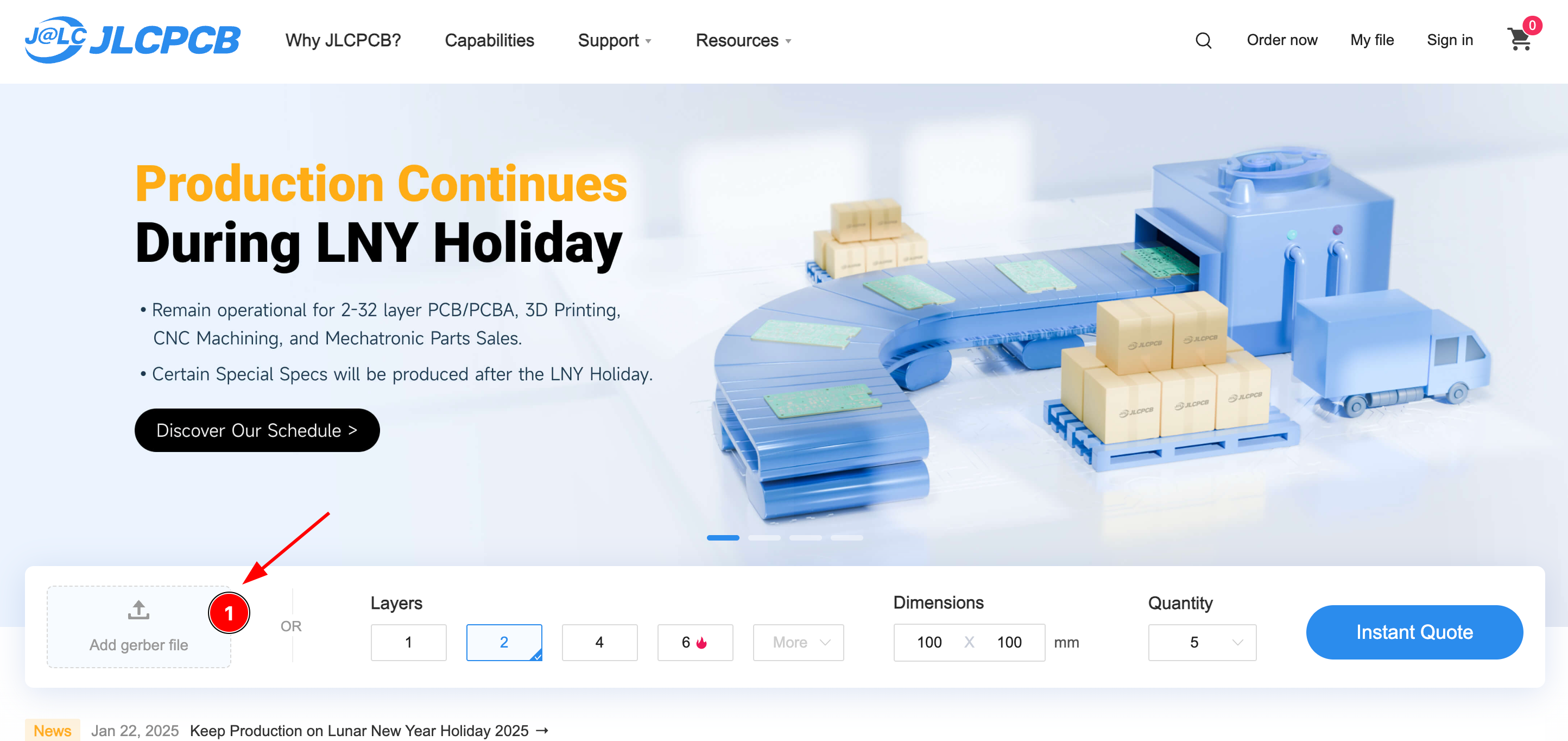
Many fabricators allow you to directly drop fabrication files on their website!